

Blog Summary
- An unapplied payment is money received from a customer that is not matched to an invoice or sales form.
- On a cash-method Profit and Loss, it can show up as Unapplied cash payment income.
- To fix it, run the Open Invoices report, find the Payment rows, and match each payment to the right invoice.
- If no invoice exists, create one with the same customer, amount, and date, then match the payment to it.
- Check for unapplied payments before you quote cleanup. They leave invoices open and distort the report your client sees.
Introduction
Quick answer: To fix unapplied payments in QuickBooks Online, run the Open Invoices report, open each Payment, check the matching invoice under Outstanding Transactions, and save.
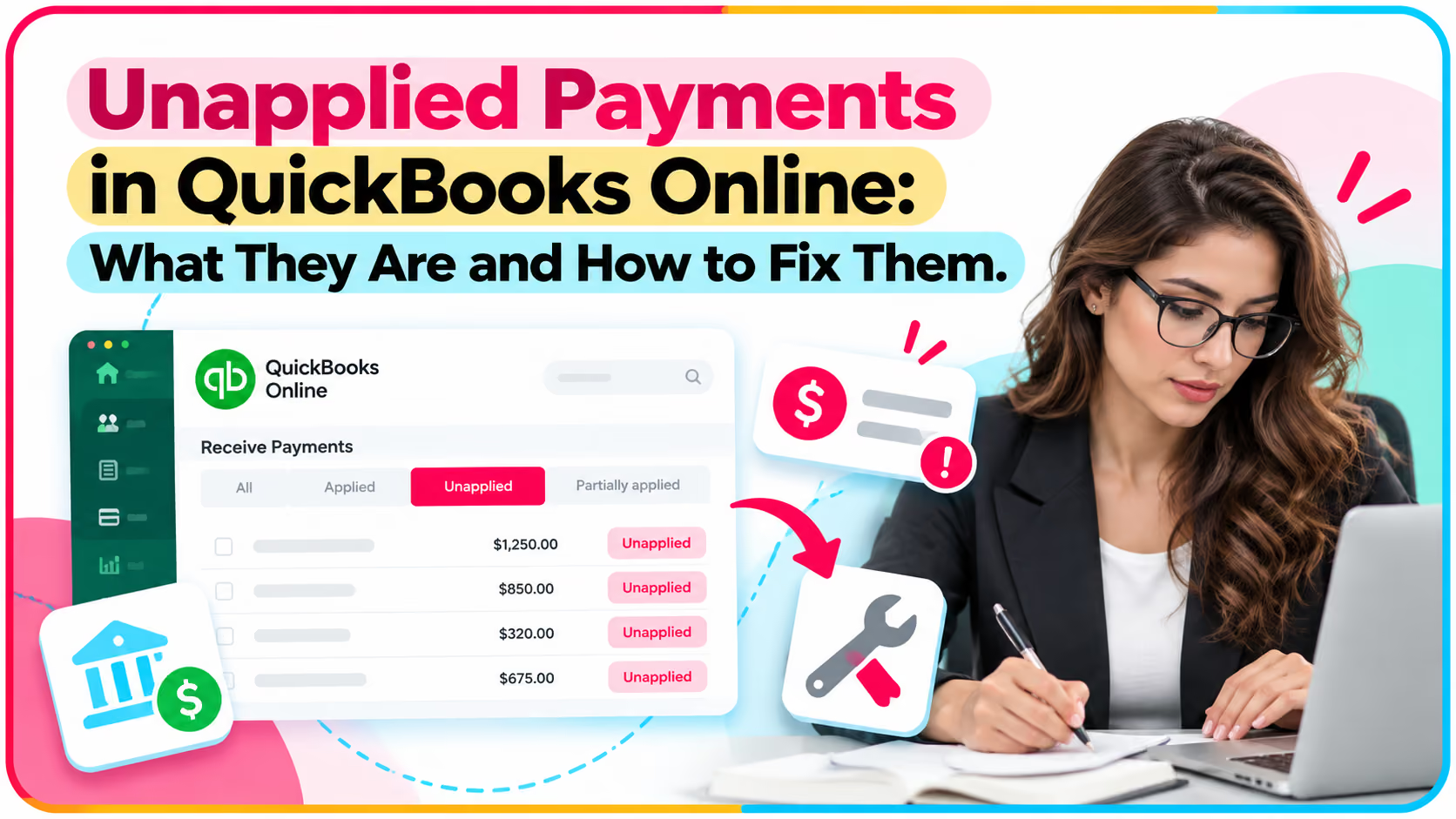
An unapplied payment is money a customer paid that QuickBooks has not matched to an invoice. The cash is in the bank, but the invoice still looks unpaid.
This guide explains unapplied payments in QuickBooks Online, step by step. It also shows why Unapplied cash payment income appears on a Profit and Loss.
It is written for bookkeepers and accounting firms that review client files. The steps follow Intuit's own help article.
Part of our complete guide: QuickBooks bookkeeping guide
Last updated: November 2026
What Is an Unapplied Payment in QuickBooks Online?
An unapplied payment is a customer payment that is not linked to an invoice or sales receipt. QuickBooks holds the money, but no sales form shows it as paid.
Intuit says this usually happens in two ways. A customer prepaid, and the payment was recorded before the invoice existed. Or payments were entered without being matched to sales forms.
Both leave the same trace. The payment sits in the file, and the invoice it belongs to stays open.
Why Unapplied Cash Payment Income Shows on Your Profit and Loss
On a cash-method Profit and Loss report, QuickBooks can show an account called Unapplied cash payment income. Intuit says QuickBooks creates it for tax reporting.
If you see it, some payments are not matched to sales forms. The table shows the two causes and the fix for each.
| Cause | What you see | What to do |
|---|---|---|
| The customer prepaid | A payment dated before the invoice | Match the payment to the invoice once it exists |
| The payment was never matched | A Payment row on the Open Invoices report | Open the payment and tick the correct invoice |
| No invoice exists for the payment | A Payment row with no matching open invoice | Create an invoice with the same customer, amount, and date, then match it |
How to Fix Unapplied Payments in QuickBooks Online
The fix takes four steps. Find the payments, match each one, and rerun the report.
- 1Run the Open Invoices report
Go to Reports, then Standard reports. Set the report period. - 2Find the Payment rows
Look in the Transaction Type column for Payment. - 3Match each payment to an invoice
Open the payment, tick the invoice under Outstanding Transactions, and save. - 4Rerun the Profit and Loss
Unapplied cash payment income should no longer appear.
Step 1: Run the Open Invoices report
Go to Reports, then Standard reports. In Find report by name, enter Open Invoices.
Set the report period, then select Run report.
Step 2: Find the Payment rows
In the Transaction Type column, look for rows listed as Payment. Each one is a payment that is not matched to an invoice.
For each row, check whether a matching open invoice exists.
Step 3: Match the payment to the invoice
If a matching invoice exists, select the payment's date to open it. Under Outstanding Transactions, tick the correct invoice.
Select Save and close. Repeat for any other Payment rows.
Step 4: Create an invoice if none exists
If no matching invoice exists, select + Create, then Invoice. Enter the same customer, amount, and date as the payment. Then select Save and close.
Go back to Open Invoices and open the payment by its date. Tick the new invoice under Outstanding Transactions, then select Save and close.
Finally, run the Profit and Loss again. Intuit says the Unapplied cash payment income account should be gone.
Using Receive Payments to Link a Credit
A reply in the Intuit Community describes another route. It says to record the money with Receive payments instead of as a standalone deposit.
When you do, the reply says a credit appears below the Receive payments window. You can then link that credit to the customer's invoice.
That is a community answer, not Intuit policy. If you are unsure which route fits a client's file, check with the client's CPA before changing closed periods.
How to Find Unapplied Payments on a Client File
On an inherited file, check for unapplied payments early. Work through these checks.
- Run the Open Invoices report and filter for Payment rows
- Run the Profit and Loss on a cash basis and look for Unapplied cash payment income
- Note each payment's customer, date, and amount
- Check whether a matching invoice exists for each one
- Match it, or create the missing invoice, and record why
Our guide to QuickBooks accounts receivable covers how open invoices should look on a clean file.
Why Unapplied Payments Matter Before You Quote
An unapplied payment leaves the invoice open. The customer paid, but the books still show the invoice as owed.
That distorts what a prospect's report shows. It is cleanup you can only price if you find it first.
An Example Scenario
This is a hypothetical example, not a real client file. The amounts are illustrative.
Say your firm inherits a file where the cash-basis Profit and Loss shows $4,200 in Unapplied cash payment income. The Open Invoices report lists three Payment rows.
Two match open invoices. The third has no invoice, because the customer prepaid. You match the first two and create the missing invoice for the third.
The account disappears from the report. None of this was visible in a quick review, and it now belongs in the cleanup scope.
Xenett Pulse data shows that 68% of engagements start with unvalidated books. Scope grows 3x on average after discovery.
Our guide to signs a QuickBooks file needs cleanup lists the other warning signs. See also running a QuickBooks diagnostic before you price.
Common Mistakes With Unapplied Payments
Ignoring the account because the cash is in the bank
The money is real, but the invoice is still open. The report does not match the customer's records until you apply it.
Creating an invoice that does not match the payment
Intuit's steps say to use the same customer, amount, and date as the payment. A mismatch leaves the payment unapplied.
Recording a customer payment as a standalone deposit
A community reply says to use Receive payments instead. A deposit gives you no credit to link to the invoice.
Skipping the final report check
Rerun the Profit and Loss after you match the payments. If the account still shows, some payments are still unmatched.
How Xenett Pulse Can Help
Xenett Pulse connects to a prospect's QuickBooks Online file and runs 20+ review points across Banking, AP, AR, GL, and Cleanup. It builds a 9-page report in under 2 minutes.
One review point checks for unapplied payments. Pulse marks it as Attention when it finds any. Click the count to see the underlying transactions.
You can hide a review point for one client, or turn it off for your whole firm.
You also get a Books Health Score from 0 to 100 and ranked risk areas. Use them to scope the cleanup before you quote.
The report is white-labeled with your firm's name. Share it as a web link, a PDF, or an Excel file with every finding.
Read more in our guide to the Xenett Pulse QuickBooks diagnostic tool.
Conclusion
To fix unapplied payments in QuickBooks Online, find the Payment rows on Open Invoices and match each to its invoice. Create the invoice if none exists.
On client files, rerun the Profit and Loss to confirm Unapplied cash payment income is gone. Confirm closed-period changes with the client's CPA.
Run the check before you quote. Sign Up Free and run a diagnostic on your next prospect's file. No credit card required.
Frequently Asked Questions
What does an unapplied payment mean in QuickBooks Online?
It means a customer payment is not matched to an invoice or sales receipt. The cash is recorded, but no sales form shows it as paid.
What is unapplied cash payment income?
It is an account QuickBooks can show on a cash-method Profit and Loss. Intuit says it appears when payments are not matched to sales forms.
How do I find unapplied payments in QuickBooks Online?
Run the Open Invoices report and look for rows with Payment in the Transaction Type column. Each one is a payment that is not matched to an invoice.
How do I apply an unapplied payment to an invoice?
Open the payment by its date. Under Outstanding Transactions, tick the correct invoice, then select Save and close.
How do I clear unapplied payments in QuickBooks Online?
Match each Payment row on Open Invoices to its invoice. If no invoice exists, create one with the same customer, amount, and date, then match the payment to it.
Sources
- Intuit help: unapplied cash payment income on the Profit and Loss
- Intuit Community: using unapplied payments toward an open invoice (community answer, not Intuit policy)
Related guides
- Start here: QuickBooks Bookkeeping Guide
- QuickBooks Accounts Receivable: How open invoices should look on a clean file.
- Undeposited Funds in QuickBooks: Another place payments get stuck.
- Signs a QuickBooks File Needs Cleanup: What to check before you quote.
- How to Apply a Vendor Credit in QuickBooks Online: Fix negative vendor balances.
- Undeposited Funds in QuickBooks: What it is and how to fix it.