


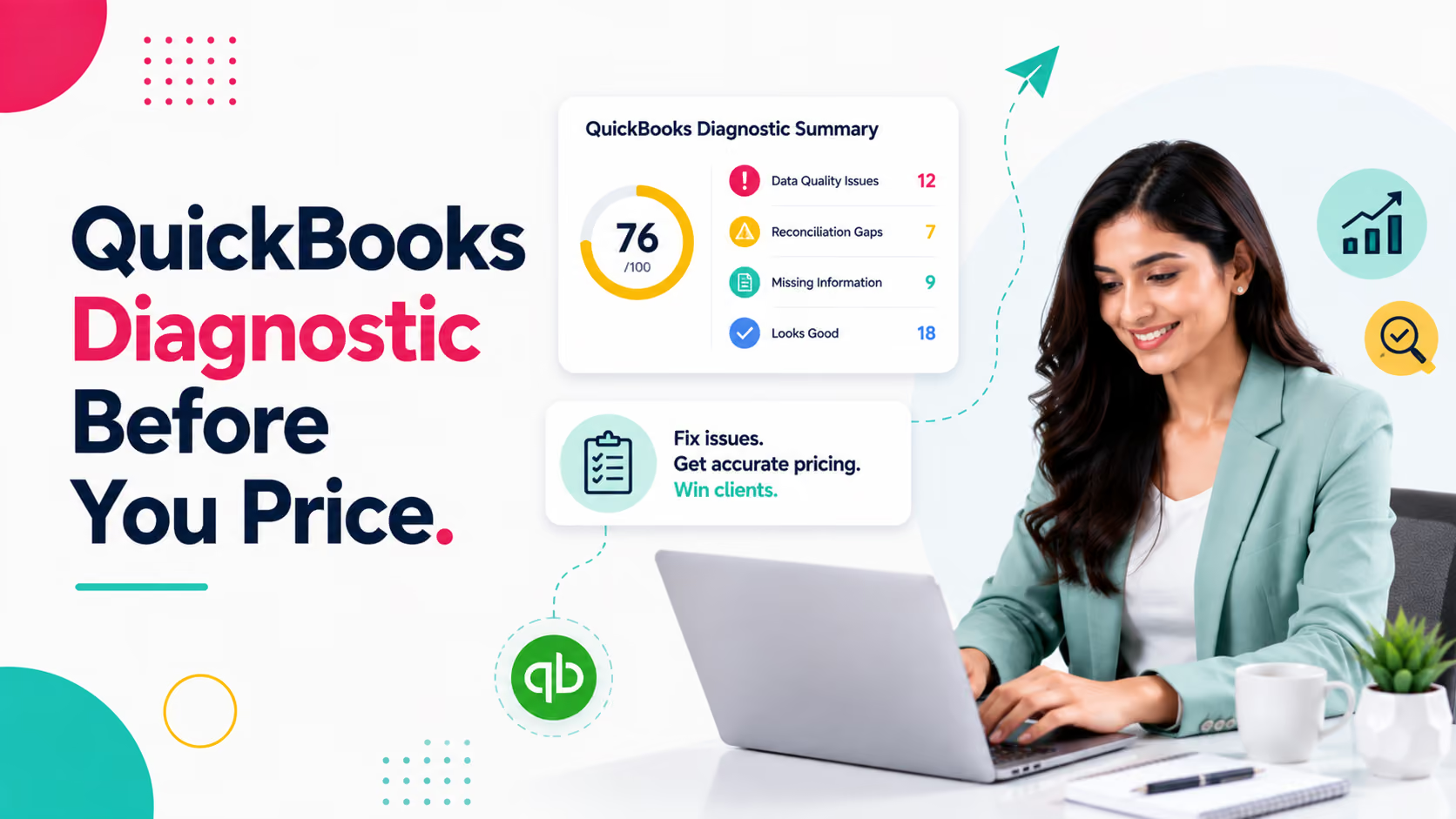
Blog Summary
- A QuickBooks diagnostic surfaces reconciliation gaps, coding errors, and data quality issues before you price the engagement.
- Firms that skip a pre-engagement diagnostic tend to under-price cleanup-heavy files and absorb the difference in margin.
- A 0 to 100 books health score gives prospects an objective, evidence-backed reason to accept a higher quote.
- The diagnostic should run in minutes, not hours, or firms will keep skipping it under deadline pressure.
- Client-ready, white-labelled reports turn the diagnostic into a sales asset, not just an internal QA step.
Introduction
Most bookkeeping engagements are priced on a guess.
A prospect sends over QuickBooks access, the firm skims a few reports, and a number gets quoted on the spot. It feels efficient. It is also how firms end up doing three times the work for the price of one, since messy books rarely look messy from the outside.
Across accounting and CAS firms, engagements start on unvalidated books more often than not, and the average scope expansion once real cleanup work surfaces runs about three times the original quote. By the time the real picture emerges, the engagement letter is signed, the fee is fixed, and the margin is already gone.
A QuickBooks diagnostic fixes this at the source. Run it before the quote, not after the kickoff call, and the entire pricing conversation changes.
Part of our complete guide: accounting client onboarding guide
Why Firms Skip the Diagnostic Step
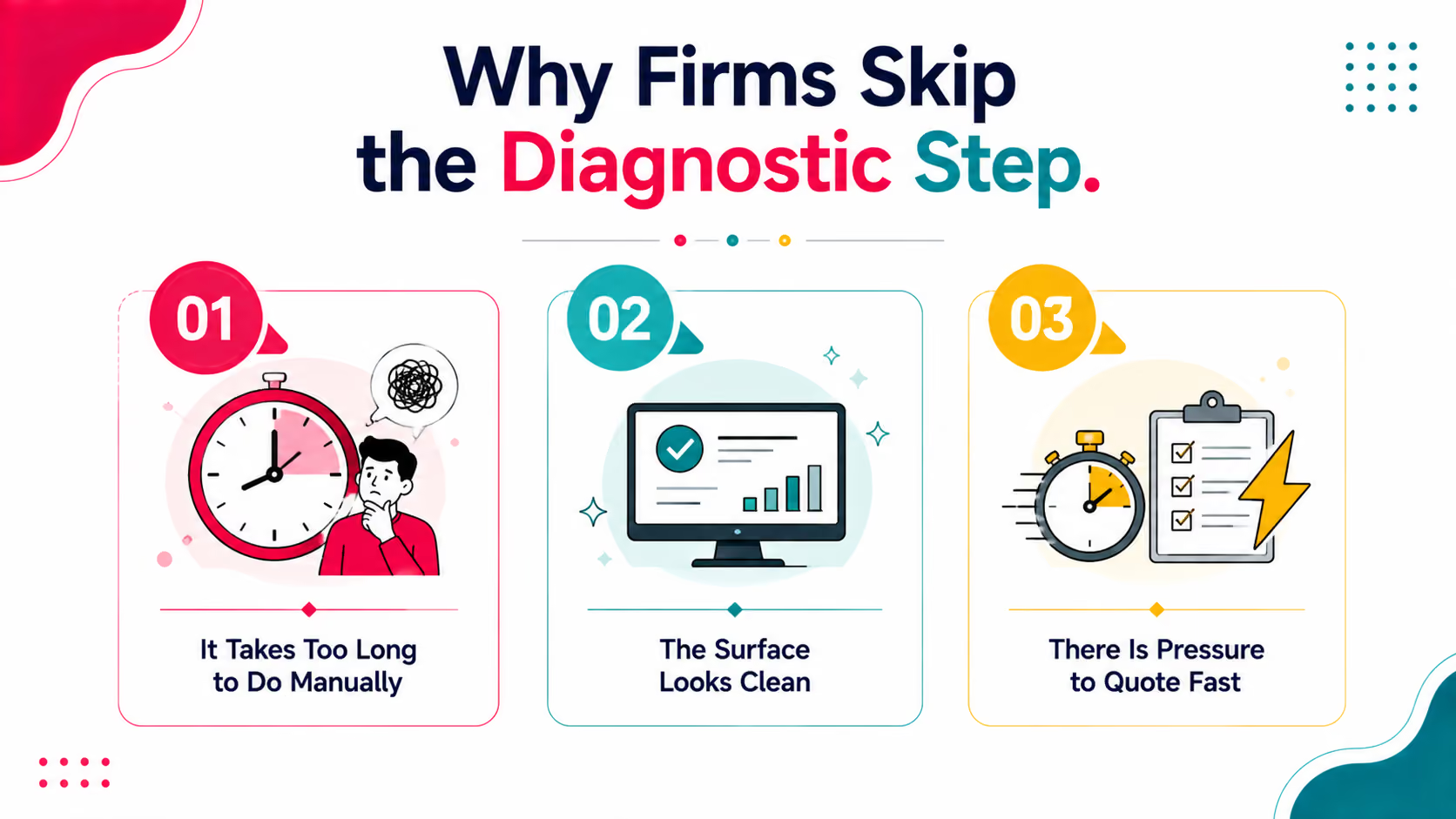
Running a full file review before every quote sounds obvious. Most firms still skip it. Three reasons show up again and again.
1. It Takes Too Long to Do Manually
A thorough manual review of bank feeds, reconciliation status, and chart of accounts can take four to six hours per file. Firms fielding multiple prospect calls a week cannot spend a full day vetting each one before they even know if the deal will close.
Firms that skip this step entirely are not being careless. They are responding rationally to a process that takes too long relative to the payoff.
2. The Surface Looks Clean
Transactions are recorded. Reports generate without errors. Nothing about a five-minute skim of the dashboard signals that half the accounts have never been reconciled. The real issues sit below what a surface-level review will show.
3. There Is Pressure to Quote Fast
Prospects want a number quickly, and firms that take too long to respond lose the deal to someone faster. Speed and thoroughness pull in opposite directions, so speed usually wins, and the file review gets skipped or rushed.
What a Proper QuickBooks Diagnostic Actually Checks
A real diagnostic goes past does this file open without errors. Xenett Pulse runs a full 20 point diagnostic, but four categories matter most.
1. Reconciliation Status
Every bank, credit card, and loan account should show as reconciled through period end, stale, or never reconciled. Accounts that have never been touched are the strongest signal that real cleanup work is waiting underneath the surface.
2. Coding and Classification Accuracy
Misclassified expenses, inconsistent vendor coding, and transactions sitting in uncategorized buckets all point to a bookkeeper who was rushing, undertrained, or absent for stretches of the year.
3. Duplicate and Anomalous Transactions
Duplicate entries and transactions that deviate from expected patterns, like a vendor payment three times the usual amount, need a human look before anyone can trust the P&L. Pulse flags these automatically using anomaly detection tuned to each file's own transaction history.
4. AR and AP Health
Aging receivables that never get written off and payables that sit open past terms both distort the balance sheet and make cash flow reporting unreliable.
How to Run a Diagnostic Before You Quote
The steps below work whether it takes four hours by hand or under two minutes with a tool built for it.
Step 1: Get Read-Only Access to the File
Request read-only access to QuickBooks during the discovery call itself, not after. The sooner access is granted, the sooner the diagnostic can run before you send a number.
Step 2: Run the Diagnostic
Connect the file and let the diagnostic scan reconciliation status, coding accuracy, duplicate transactions, and AR/AP health across the full file. With Pulse, this step takes under two minutes from connection to finished report.
Step 3: Review the Books Health Score
Look at the 0 to 100 score first, then move into the ranked risk areas behind it. This becomes the anchor for the entire pricing conversation.
Step 4: Map Findings to Line Items
Break the findings into specific, priceable tasks: reconciliation catch-up, recoding a defined range of transactions, AR cleanup. Each finding becomes its own line in the quote.
Step 5: Send the Client-Ready Report
Pulse generates a white-labelled PDF that goes out under your firm's branding, not Pulse's. The client never needs to know what tool produced it.
Manual Diagnostic vs. Automated Diagnostic
StepManual ApproachXenett PulseConnect to the fileRequest temporary QBO accessConnect via read-only OAuthPull reconciliation statusCheck each account by handAuto-flagged by accountScan for anomaliesEyeball transaction listsAI-flagged deviationsScore the fileSubjective judgment call0 to 100 books health scoreDeliver findingsInternal notes onlyClient-ready, white-labelled PDFTime required4 to 6 hoursUnder 2 minutes
The manual column is not wrong. It is just slow enough that most firms quietly stop doing it, especially once they are ten prospect calls into a busy month.
Try Xenett Pulse Free. Run your first diagnostic in under 2 minutes. Free for the first 100 firms, no credit card required.
Reading the Books Health Score
A single 0 to 100 score does more for a sales conversation than a page of technical findings. Prospects do not know what an unreconciled clearing account means. They understand a score of 30 out of 100.
Pulse pairs the score with ranked risk areas across banking, AR, AP, reconciliations, and coding, ordered by severity rather than listed flat. A prospect who sees critical issues separated from moderate and low-priority ones immediately understands why the quote reflects real work, not padding.
Score RangeWhat It SignalsTypical Next Step80 to 100Books are largely clean and currentStandard onboarding, minimal cleanup pricing50 to 79Moderate gaps, a few accounts need attentionItemized cleanup quote, defined scope20 to 49Significant, compounding issuesCleanup priced as its own project, phased if needed0 to 19Severe, likely multi-month rebuildFull diagnostic conversation with the client before any quote
Turning Diagnostic Findings Into a Defensible Quote
Diagnostic findings only help if they change the quote. Three practical moves make that connection explicit.
1. Tie Every Line Item to a Finding
Instead of a flat cleanup fee, break the quote into the specific issues found: reconciliation catch-up, recoding a range of transactions, AR cleanup. Prospects push back far less on itemized pricing tied to evidence than on a round number that feels arbitrary.
2. Show the Report, Not Just the Number
A branded, client-ready report changes the framing from trust me, it needs work to here is exactly what needs work. For guidance on structuring that proposal conversation once the report lands, see our engagement letter and proposal guide.
3. Separate Cleanup From Ongoing Service
Bundling cleanup into a monthly retainer hides the real cost of catch-up work and trains clients to expect it every month. Quote cleanup as a distinct, fixed-scope project first.
Why Xenett Pulse Exists for This Exact Problem
Pulse was built by the same team behind Xenett's practice management platform, already used by 200+ US firms, specifically to close the gap between what a prospect's books look like and what they actually are.
- Health score in minutes: Instant 0 to 100 score across reconciliation, data quality, and accuracy.
- Prioritized risk register: See the biggest issues first, ranked by severity, not buried in a flat list.
- Line-level visibility: Find unreconciled accounts, missing classifications, and inconsistent entries down to the transaction.
- Clear next steps: Know what is wrong, why it matters, and how to fix it, not just that something is off.
- White-labelled from day one: Every report ships under your firm's branding, never Pulse's.
- Built for the pre-quote moment: Not a cleanup tool. A diagnostic tool designed to run before scope and price are locked in.
Download a Sample Report. See exactly what a client-ready Pulse diagnostic looks like before you try it on a real file.
Frequently Asked Questions
What is a QuickBooks diagnostic report?
A QuickBooks diagnostic report is an evaluation of a company's QBO or QuickBooks Desktop file that surfaces reconciliation gaps, coding errors, duplicate transactions, and data quality issues, typically summarized with an overall health score.
How long should a QuickBooks diagnostic take?
A manual diagnostic can take four to six hours depending on transaction volume. Xenett Pulse completes the same review in under two minutes by connecting directly to the file.
Why should I run a diagnostic before quoting a new client?
Running a diagnostic before you quote lets you price based on the actual condition of the books instead of a guess. It also gives you evidence to justify a higher fee when the file needs real cleanup work.
What does a books health score measure?
A books health score is a single number, on a 0 to 100 scale, that reflects the overall condition of a QuickBooks file across reconciliation status, data accuracy, and coding consistency.
Can a diagnostic report be shared with the client?
Yes. Pulse reports are designed to be client-ready and white-labelled from day one, so they can go straight into a proposal under your firm's branding.
Conclusion
Pricing a bookkeeping engagement without seeing the real state of the books is a bet, not a quote. A diagnostic run before the proposal goes out turns that bet into a number backed by evidence, one the prospect can see for themselves in a branded report.
Related guides
- Start here: Accounting Client Onboarding Checklist
- QuickBooks Audit Trail for Pre-Proposal Review — Using the QuickBooks audit trail for a pre-proposal review.
- Why Client Books Fail Review Before You Quote — The review failures that show up after the fee is already set.
- Turn a Diagnostic Into a Signed Engagement — Turning diagnostic findings into a signed engagement letter.
The firms that build this step into every prospect call, not just the ones that look risky, are the ones that stop absorbing cleanup hours they never priced for. Sign up for Xenett Pulse and run your first diagnostic before your next quote goes out.