

Blog Summary
- Most missing transactions are not gone. They sit in For review, Excluded, Uncategorized, or were never downloaded.
- Intuit says downloads can take up to 48 hours, skip pending items, and skip transactions older than 90 days.
- Check five places in order: the bank connection, the bank transaction tabs, the register, the Uncategorized accounts, and bank rules.
- Import a file for gaps the feed cannot fill, and import only the missing dates to avoid duplicates.
- A gap in one account can point to a reconciliation backlog. Check it before you quote the client.
Introduction
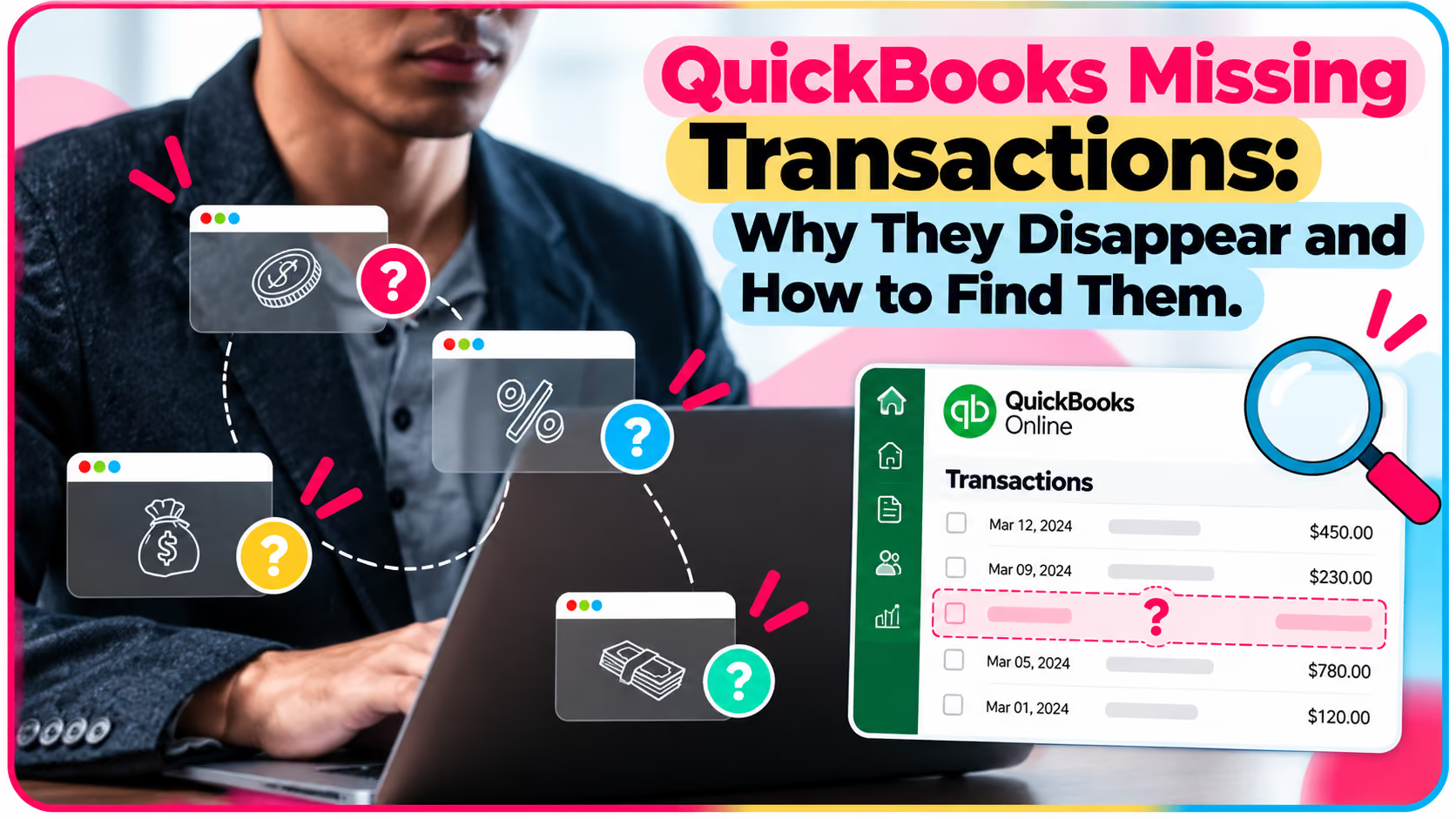
QuickBooks missing transactions are a common bank feed problem. A charge shows up at the bank but never reaches the books.
Most of the time the transaction is not gone. It is sitting in a tab you have not checked, or it was never downloaded.
This guide lists the causes, shows where to look in QuickBooks Online, and explains how to add what the feed missed.
It is written for bookkeepers and accounting firms that inherit client files. The steps follow Intuit's own help article, with a firm's workflow in mind.
Part of our complete guide: how to reconcile in QuickBooks Online
Why Are Transactions Missing in QuickBooks Online?
Transactions go missing in QuickBooks Online for eight common reasons. Most are timing, a filter, or a broken bank connection, not lost data.
Intuit lists these reasons in its help article on missing downloaded transactions. The table below turns them into a quick check.
| Cause | What you see | Where to check |
|---|---|---|
| Sync delay | Recent transactions are not there yet | Wait up to 48 hours, then select Update |
| Pending transaction | A charge shows at the bank but not in QuickBooks | The bank's site. Only posted items download |
| 90-day age limit | Older transactions never appear | Import a file for dates older than 90 days |
| Excluded | Missing from For review | The Excluded tab |
| Already categorized | Missing from For review, but it exists | The Categorized tab and the account register |
| Uncategorized account | Posted to a catch-all account | Uncategorized Income or Uncategorized Expense |
| Bank rule | Added automatically, skipped For review | Your bank rules |
| Broken connection | Nothing downloads at all | Update or reconnect the bank |
How to Find Missing Transactions in QuickBooks Online
Work through five checks in order. Each one rules out a cause before you move on to the next.
- 1Bank connection
Select Update and check For review. - 2Bank transaction tabs
Check For review, Categorized, and Excluded. - 3Account register
Open View register and look at every entry. - 4Uncategorized accounts
Run a report on Uncategorized Income and Expense. - 5Bank rules
Look for rules that add transactions automatically.
Step 1: Update the bank connection
Go to All apps, then Accounting, then Bank transactions. Select Update and check the For review tab.
If nothing downloads, the connection is the likely problem. Fix it before you go further. Intuit links a separate help article for that issue.
Step 2: Check all three bank transaction tabs
Select the bank account, then open For review, Categorized, and Excluded. A transaction can sit in any of the three.
If it is in Excluded, select Undo. Then categorize it from the For review tab.
If it is in Categorized under the wrong account, unmatch it and move it to the right one.
Step 3: Check the account register
Select the gear icon, then Chart of accounts. Find the bank account and select View register.
The register shows every entry on the account, including older ones. Select a transaction to see its details.
Step 4: Check the Uncategorized accounts
Open Chart of accounts and find Uncategorized Income and Uncategorized Expense. Select Run report on each.
Look for the missing amount. If you find it, unmatch it and move it to the correct account.
Step 5: Check your bank rules
Rules set to add transactions automatically skip the For review tab. A rule may have coded the item to a different account.
Review your rules if a transaction is missing from For review but you know it downloaded.
How to Add Transactions the Bank Feed Never Downloaded
If the feed cannot supply a transaction, import a file instead of typing entries by hand. Intuit recommends importing when downloads fail.
Download a file from the bank for the missing dates only. Then upload it in QuickBooks and review the results in For review.
Import only the gap, not the whole period
Importing a full month on top of a feed that already worked can create duplicates. Limit the file to the dates that are missing.
After the import, compare each new line with entries already in the account. Exclude any that match.
Watch for duplicates after a reconnect
A bank feed that reconnects can pull in items that were already entered by hand or by file. The same charge then appears twice.
Check for pairs with the same date and amount before you reconcile. Our guide to fixing reconciliation discrepancies shows how to trace them.
How to Tell If the Gap Is Bigger Than One Transaction
One missing transaction is a fix. A pattern of missing transactions points to a feed problem or a reconciliation backlog.
Compare the bank statement ending balance with the QuickBooks balance for the same date. Do this for each month, working backward.
The first month where the two balances differ is where the gap starts. Everything after it needs review.
Signs that point to a larger problem
- Several missing items from the same date range
- A bank feed that stopped importing months ago
- Reconciliation that will not balance because the statement has items QuickBooks lacks
- Large Uncategorized balances that no one has reviewed
For a client file in this state, plan time for a catch-up. Our guide to what unreconciled accounts really cost explains how it affects scope.
Why Missing Transactions Matter Before You Quote a Client
Missing transactions hide inside summary reports. A balance sheet can look normal while the account underneath has gaps.
A disconnected feed stops silently. The QuickBooks balance just stops updating, and no report flags it.
Xenett Pulse data shows that 68% of engagements start with unvalidated books. Scope grows 3x on average after discovery.
Gaps like these are part of why. Our guide to why client books fail review covers the other failure points.
If you find missing transactions after you quote, the cleanup is unpaid work. Checking first lets you price it. See running a QuickBooks diagnostic before you price.
Common Mistakes When Fixing Missing Transactions
Entering transactions by hand without checking the tabs
If the transaction already sits in Excluded or Uncategorized, a manual entry creates a duplicate. Check all the places first.
Importing a full period
A file that overlaps what already downloaded can create double entries. Import only the dates you are missing.
Reconciling before the gap is closed
A reconciliation will not balance while the statement has items the books lack. Close the gap first, then reconcile.
If you reconciled too early, our guide on how to undo a reconciliation in QuickBooks Online explains the safe way back.
Assuming one fix covers every account
Each bank and card account has its own connection. Check every account in the file, not just the one you noticed.
How Xenett Pulse Can Help
Xenett Pulse connects to a prospect's QuickBooks Online file and runs 20+ review points across Banking, AP, AR, GL, and Cleanup. It builds a 9-page report in under 2 minutes.
Pulse counts transactions sitting in Uncategorized, Ask My Accountant, and Suspense accounts. Click any count to see the underlying transactions.
With the Xenett Pulse Chrome extension, it also shows reconciliation status for each bank and credit card account. Unreconciled accounts show up before you write the proposal.
You also get a Books Health Score from 0 to 100 and ranked risk areas. Use them with the checks above to scope the cleanup.
The report is white-labeled with your firm's name. Share it as a web link, a PDF, or an Excel file with every finding, so the prospect can see the evidence behind your scope.
Conclusion
Missing transactions in QuickBooks usually have a simple cause. Check the connection, the three bank tabs, the register, the Uncategorized accounts, and your bank rules, in that order.
Import a file only for the dates the feed cannot fill. Then check whether the gap is one item or a larger backlog.
For client files, run the check before you quote. Sign Up Free and run a diagnostic on your next prospect's file. No credit card required.
Frequently Asked Questions
Why are my transactions missing in QuickBooks Online?
Common causes are a sync delay, pending items, the 90-day download limit, excluded or already categorized items, Uncategorized accounts, bank rules, and a broken bank connection.
How do I find missing transactions in QuickBooks Online?
Update the bank connection, then check the For review, Categorized, and Excluded tabs. Next check the account register, the Uncategorized accounts, and your bank rules.
How long does it take for bank transactions to show up in QuickBooks Online?
Intuit says transactions may take up to 48 hours to reach QuickBooks. Pending transactions do not download until they post at the bank.
Can QuickBooks download transactions older than 90 days?
Intuit says transactions older than 90 days are not downloaded through the bank feed. Import a file from the bank to bring in older dates.
How do I avoid duplicates when I add missing transactions?
Import only the dates that are missing, not the full period. Then compare each new line with entries already in the account and exclude any that match.
Related guides
- Start here: How to Reconcile in QuickBooks Online
- Fix Reconciliation Discrepancies in QBO: How to trace a balance that will not match.
- Client Reconciliation Problems: Causes, costs, and fixes on client files.
- What Unreconciled Accounts Really Cost: How a backlog changes scope and price.