



Blog Summary
- Unreconciled accounts are invisible on the surface, since reports still generate normally regardless of reconciliation status.
- The longer an account goes unreconciled, the more expensive the eventual cleanup becomes.
- Reconciliation status should be checked account by account, not assumed from the overall health of the file.
- Owners frequently do not know whether their accounts are reconciled, since reconciliation is a backend process they never see.
- Catching unreconciled accounts early turns a multi-week cleanup into a routine catch-up task.
Introduction
An unreconciled account does not announce itself. The dashboard still loads. Reports still generate. Nothing about the interface tells anyone that an account has not been checked against a bank statement in eight months.
That silence is exactly why unreconciled accounts are one of the most expensive problems in a QuickBooks file, and one of the easiest to miss during a quick review. A profit and loss statement pulled from unreconciled data can be confidently, precisely wrong.
Accounts that go unreconciled for extended periods tend to accumulate errors that compound the longer they sit, since duplicate entries, missing transactions, and miscoded amounts stack on top of each other without correction. What starts as a minor gap in March can become a much larger discrepancy by December.
Part of our complete guide: guide to reconciling in QuickBooks Online
What "Unreconciled" Actually Means
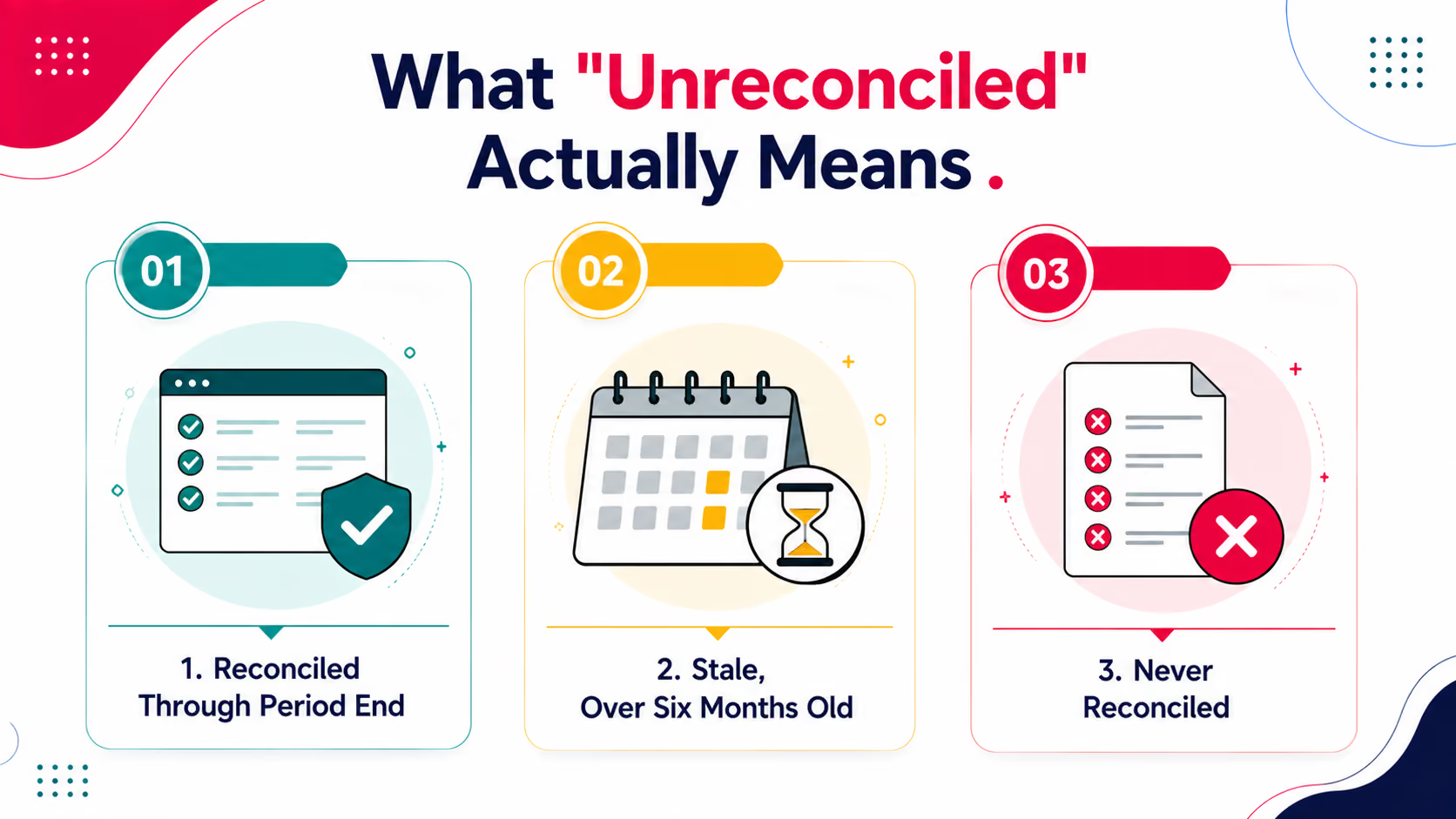
Reconciliation is the process of matching every transaction in QuickBooks against the corresponding bank or credit card statement, confirming that the two sources agree line by line.
1. Reconciled Through Period End
The account has been matched against the most recent statement, and the balances agree.
2. Stale, Over Six Months Old
The account was reconciled at some point, but not recently. Stale accounts are not yet a crisis, but they are accumulating unmatched transactions with every month that passes.
3. Never Reconciled
The account has never been checked against a statement since it was connected. This is the highest-risk category, since there is no baseline to work from at all.
Never-reconciled accounts often sit quietly on the balance sheet for years before anyone notices, especially secondary accounts that see little activity.
Why Unreconciled Accounts Are Easy to Miss
Reconciliation status sits behind the scenes of every report a business owner actually looks at, which is exactly why it goes unnoticed for so long.
1. The P&L Still Generates
QuickBooks will produce a profit and loss statement whether or not the underlying accounts are reconciled. The report looks complete. It is not the same as being accurate.
2. Owners Do Not Check Reconciliation Themselves
Reconciliation is a backend bookkeeping task, not something most business owners open QuickBooks to verify. If nobody flags it, it can go unnoticed for a full fiscal year.
3. A Quick Glance at the Dashboard Will Not Catch It
Reviewing account balances and recent transactions gives a general sense of activity. It says nothing about whether those transactions have been matched and confirmed against a statement.
The Real Cost of Letting It Sit
The cost of an unreconciled account grows with time, and not in a straight line.
The jump from moderate to high is where most of the real damage happens. Errors that would have taken an hour to fix at three months can take a full day to untangle at nine, since duplicate entries and miscoded transactions start layering on top of each other.
Steps to Check Reconciliation Status Properly
Checking reconciliation status properly means going account by account, not relying on an overall impression of the file.
Step 1: Pull the Reconciliation Report for Every Active Account
QuickBooks tracks the last reconciled date per account. Pull this for every bank, credit card, and loan account individually, since one clean account says nothing about the others.
Step 2: Flag Anything Past Ninety Days
Ninety days without reconciliation is a reasonable threshold for flagging an account as at risk, even if it has not yet crossed into stale territory.
Step 3: Cross-Check Against Actual Bank Statements
A reconciliation date inside QuickBooks confirms the process ran. It does not confirm it ran correctly. Spot-check a sample of transactions against the actual bank statement to catch reconciliations that were rushed or incomplete.
Step 4: Run a Full Diagnostic Alongside Reconciliation Checks
Reconciliation status is one piece of a larger picture. A tool like Xenett Pulse checks reconciliation status across all accounts at once, alongside coding accuracy and anomaly detection, in under two minutes.
Try Xenett Pulse Free. See every account's reconciliation status at a glance. Free for the first 100 firms, no credit card required.
Checking Manually vs. Checking With a Diagnostic
What to Do Once You Find One
Finding an unreconciled account is not a reason to panic. It is a reason to scope the fix properly before touching anything.
1. Determine How Far Back the Gap Goes
Check the last confirmed reconciliation date and work forward from there. This defines the real size of the catch-up work, rather than guessing based on how long the account has existed.
2. Isolate the Account Before Fixing Anything Else
Work through one unreconciled account at a time rather than jumping between several. Mixing corrections across multiple accounts makes it harder to track what has actually been fixed.
3. Price the Catch-Up as Its Own Task
Reconciliation catch-up on a single stale account can take anywhere from a few hours to several days. Quote it separately from ongoing monthly bookkeeping, using the scope you identified in step one. Our guide on pricing cleanup work covers this in more detail.
Frequently Asked Questions
What does it mean when a QuickBooks account is unreconciled?
An unreconciled account has not been matched against its corresponding bank or credit card statement, meaning the balances in QuickBooks have not been confirmed against the actual account activity.
How can I tell if an account has never been reconciled?
Pull the reconciliation report for the specific account in QuickBooks. It will show the last reconciled date, or indicate that no reconciliation has occurred if the account has never been checked.
Why does reconciliation status matter if the reports look normal?
QuickBooks generates reports regardless of reconciliation status. A report can look complete and still be built on unmatched, inaccurate, or duplicated transactions.
How much does it cost to fix a long-unreconciled account?
Cost scales with time. An account unreconciled for a few months might take a few hours to fix. An account unreconciled for over a year can require a multi-day historical rebuild.
Can a business owner tell if their books are reconciled without checking QuickBooks directly?
Generally no. Reconciliation status is a backend process that does not surface in the reports or dashboards most owners regularly review.
Conclusion
An unreconciled account is one of the quietest problems a QuickBooks file can have, and one of the most expensive to leave alone. Nothing about the dashboard signals a problem, right up until someone opens the reconciliation report and finds eight months of unmatched transactions waiting.
Related guides
- Start here: How to Reconcile in QuickBooks Online
- Client Reconciliation Problems — The reconciliation problems that wreck fixed-fee engagements.
- How to Undo a Reconciliation in QuickBooks Online — When to undo a reconciliation, and how to do it safely.
- Fix Reconciliation Discrepancies in QBO — How to trace and clear a reconciliation discrepancy in QBO.
Checking reconciliation status account by account, on a regular cadence, turns a problem that compounds into one that stays manageable. Try Xenett Pulse to see every account's status in one report, in under two minutes.
.avif)