

Blog Summary
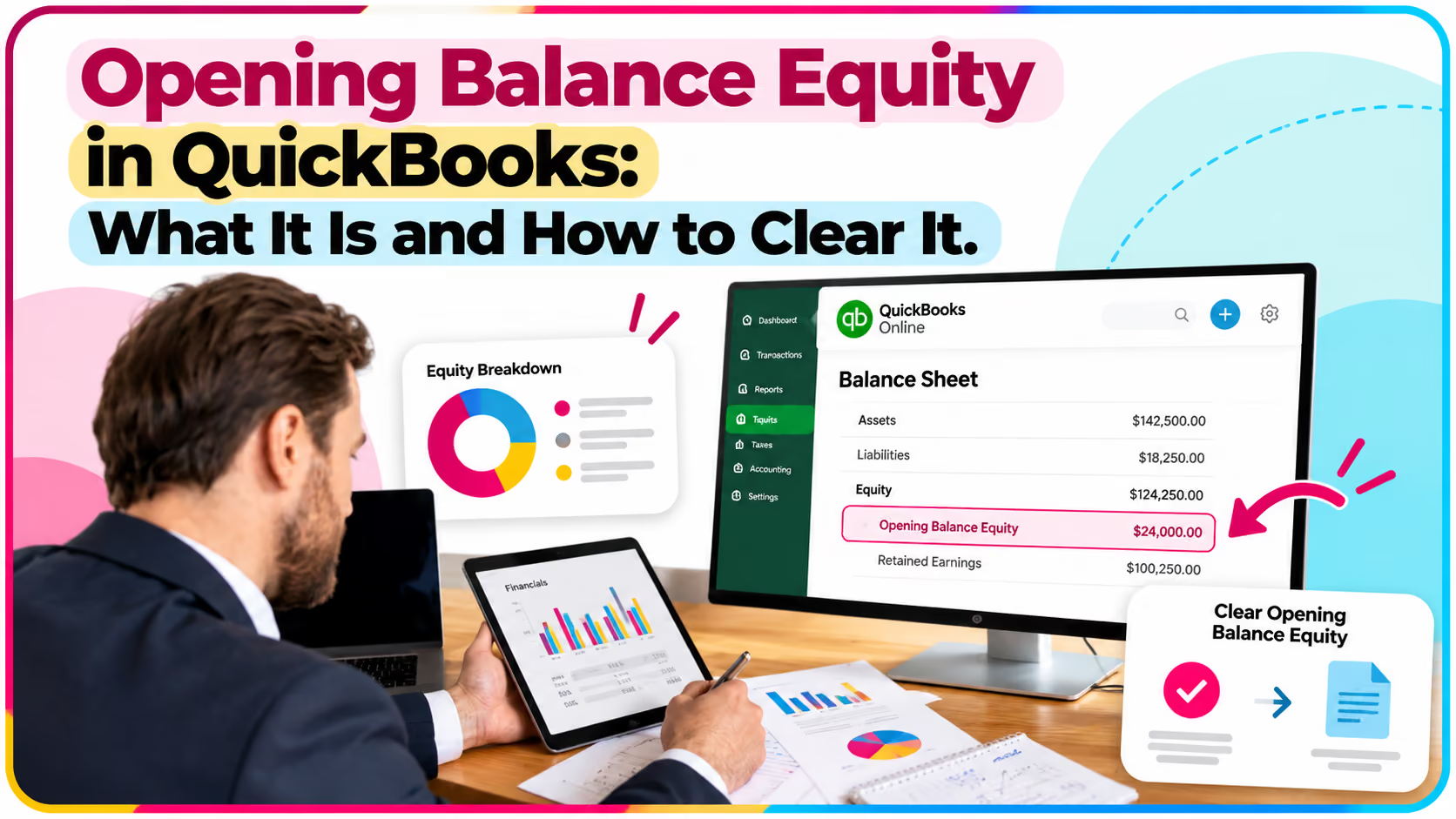
- Opening balance equity holds the opening balances QuickBooks Online records when you set up accounts. In a clean file it should sit at zero.
- A balance usually means opening balances that do not match the prior balance sheet, a missed entry, or something posted to it by mistake.
- Find the cause first: check the Balance Sheet, the account register, and a Trial Balance for the period end.
- Clear a verified leftover with a journal entry, and confirm the treatment with the client's CPA first.
- On an inherited file, a large balance is a red flag. Check it before you quote the cleanup.
Introduction
Opening balance equity in QuickBooks is an account most bookkeepers meet the hard way. You open a new client's Balance Sheet and find a large number sitting in equity.
In a clean file that number should be zero. When it is not, something was entered wrong, missed, or posted to the wrong place.
This guide explains what the account is, why it holds a balance, how to find the cause, and how to clear it.
It is written for bookkeepers and accounting firms that inherit client files. The steps use QuickBooks Online.
Part of our complete guide: complete QuickBooks cleanup guide
What Is Opening Balance Equity in QuickBooks Online?
Opening balance equity is an equity account that QuickBooks Online uses to track the opening balances of your accounts. It keeps the books in balance when you enter a starting figure.
Intuit explains that the account automatically tracks the opening balances of bank and credit card accounts, so QuickBooks matches your statements. See its help article on opening balances.
When you enter an opening balance, the other side of that entry lands in opening balance equity. In the register, the opening balance entry shows Opening balance equity as the payee.
Should Opening Balance Equity Be Zero?
Yes. In a file that was set up correctly, opening balance equity should have a zero balance.
An answer in the Intuit Community says the account should be $0.00 if everything was set up correctly. A balance means something was posted that should not have been, or an entry was missed.
Treat a balance as a clue. It points to a setup problem you still need to find.
Why Does Opening Balance Equity Have a Balance?
A balance in opening balance equity usually comes from one of four causes. The table shows what each looks like and what to do.
| Cause | What it looks like | What to do |
|---|---|---|
| Opening balances entered at setup | A balance equal to the starting figures | Verify each one, then clear the leftover |
| Opening balances that do not match the prior balance sheet | A balance that never reaches zero | Correct the opening balance entries |
| A missed entry, or an entry posted by mistake | Odd transactions in the account register | Move each one to the correct account |
| Old transactions added before the As of date | Money counted twice | Adjust the opening balance with the accountant's help |
The Intuit Community answer adds that opening balance entries should match the Balance Sheet balances at the end of the prior period. They should not match the Profit and Loss accounts.
Intuit also warns about old transactions. Adding transactions dated before the As of date without adjusting the opening balance counts your money twice. It says to work with your accountant first.
How to Find What Is in Opening Balance Equity
Do not clear the balance until you know what is in it. Work through four checks.
Step 1: Open the Balance Sheet
Run a Balance Sheet and find opening balance equity under Equity. Note the amount and the date you ran it.
Step 2: Open the account register
Go to All apps, then Accounting, then Chart of accounts. Find Opening balance equity and select View register.
Read each entry. Note the date, the payee, and the amount. Look for entries that do not belong to setup.
Step 3: Run a Trial Balance
Run a Trial Balance for the period end. The Intuit Community answer suggests this to find what is wrong.
Our guide to the adjusted trial balance explains how to read one.
Step 4: Compare with the prior balance sheet
Compare each opening balance with the balance sheet from the end of the prior period. Use the prior year's financials if you have them.
Any account where the two do not match is a place to start.
How to Clear Opening Balance Equity
Clearing opening balance equity means fixing what caused the balance. Then you move any verified leftover to the right equity account.
Step 1: Verify the opening balances
Check each opening balance against bank statements, loan statements, and the prior balance sheet. Record every difference you find.
Step 2: Correct the opening balance entries
To change an opening balance, go to Chart of accounts and find the account. Select View register, then select the opening balance entry.
Edit the date and amount, then select Save. Intuit describes these steps in the help article linked above.
Step 3: Move entries that do not belong
If you find items posted to opening balance equity by mistake, move each one to the correct account. Record why you moved it.
Step 4: Clear any verified leftover
If a balance remains after you have verified everything, a common approach is a journal entry. The entry moves the balance to Retained Earnings or Owner's Equity.
This is common accounting practice, not an Intuit instruction. Confirm the right treatment, and the date to use, with the client's CPA before you post it.
Step 5: Check the result
Run the Balance Sheet and the Trial Balance again. Opening balance equity should now show $0.00.
If it does not, an entry is still wrong. Go back to the register and check again.
What to Check on an Inherited Client File
A new client's file may carry years of setup errors. Opening balance equity is one of the fastest places to look.
- Is the balance zero? If not, how large is it compared to total equity?
- When were the opening balance entries dated, and do they match the prior balance sheet?
- Are there transactions dated before the As of date?
- Has anyone posted day-to-day entries to the account?
- Does Retained Earnings look reasonable next to last year's financials?
A large balance tells you the setup was never reviewed. That means more cleanup than the client may expect.
Our guide to what bookkeeping cleanup services include lists opening balance verification as one of its steps.
How to Measure Opening Balance Equity Across Your Client Files
One file is a fix. Many files are a pattern. Count how many client files carry a non-zero opening balance equity balance.
Here is a made-up example, not real data. A firm reviews 50 client files and finds 17 with a non-zero balance. That is 34%.
Track that share each quarter. A high share tells you opening balance review is missing from your onboarding.
Why This Matters Before You Quote
Opening balance equity does not show up in a quick look at the Profit and Loss. The Balance Sheet can look fine until someone opens the equity section.
If you find a balance after you sign, tracing it is unpaid work. Checking first lets you price it.
Xenett Pulse data shows that 68% of engagements start with unvalidated books. Scope grows 3x on average after discovery.
Our guide to running a QuickBooks diagnostic before you price explains how to check the file first.
Common Mistakes With Opening Balance Equity
Zeroing it out without finding the cause
A plug entry makes the number disappear. It does not fix the entry that caused it, and the error stays in the books.
Adding old transactions without adjusting the opening balance
Intuit warns that this counts the money twice. Adjust the opening balance first, with the accountant's help.
Posting everyday entries to the account
Use it for opening balances only. Sales and expenses posted there distort the equity section.
Skipping the prior balance sheet
Without the prior period balance sheet, you cannot prove the opening balances are right. Ask the client for it before you clean up.
For a broader look at account setup, see our guide to the QuickBooks chart of accounts.
How Xenett Pulse Can Help
Xenett Pulse connects to a prospect's QuickBooks Online file and runs 20+ review points across Banking, AP, AR, GL, and Cleanup. It builds a 9-page report in under 2 minutes.
You get a Books Health Score from 0 to 100 and ranked risk areas. With the Xenett Pulse Chrome extension, you also see reconciliation status for each bank and credit card account.
Use the report to see how much cleanup the file needs. Then add the Balance Sheet check above, so equity is part of the same review.
The report is white-labeled with your firm's name. Share it as a web link, a PDF, or an Excel file with every finding, so the prospect can see the evidence before you write the proposal.
Conclusion
Opening balance equity should be zero. A balance means an opening balance is wrong, an entry was missed, or something was posted by mistake.
Find the cause first. Check the Balance Sheet, the register, and a Trial Balance, and compare with the prior balance sheet. Then clear what remains with your CPA's approval.
On a new client file, look at this account before you quote. Sign Up Free and run a diagnostic on your next prospect's file. No credit card required.
Frequently Asked Questions
What is opening balance equity in QuickBooks?
It is an equity account QuickBooks Online uses to track the opening balances of your accounts. It keeps the books balanced when you enter a starting figure.
Should opening balance equity be zero?
Yes. An Intuit Community answer says it should be $0.00 when everything is set up correctly. A balance points to an entry that is wrong or missing.
Why does opening balance equity have a balance?
Common causes are opening balances that do not match the prior balance sheet, a missed entry, something posted by mistake, or old transactions added before the As of date.
How do I clear opening balance equity in QuickBooks Online?
Find and fix the cause first. Then move any verified leftover to Retained Earnings or Owner's Equity with a journal entry, after your CPA approves the treatment.
How do I avoid counting money twice when I add old transactions?
Intuit says to work with your accountant first. Adjust the opening balance when you add transactions dated before the As of date.
Should I debit or credit opening balance equity?
It depends on the balance. A credit balance is cleared with a debit entry, and a debit balance with a credit entry. Match the entry to the balance, and confirm it with your CPA.
Related guides
- Start here: QuickBooks Cleanup: The Complete Guide
- QuickBooks General Ledger: How to review it and what errors to look for.
- QuickBooks Chart of Accounts: How to set it up and what goes wrong.
- QuickBooks Cleanup Checklist: What to run before you quote.